

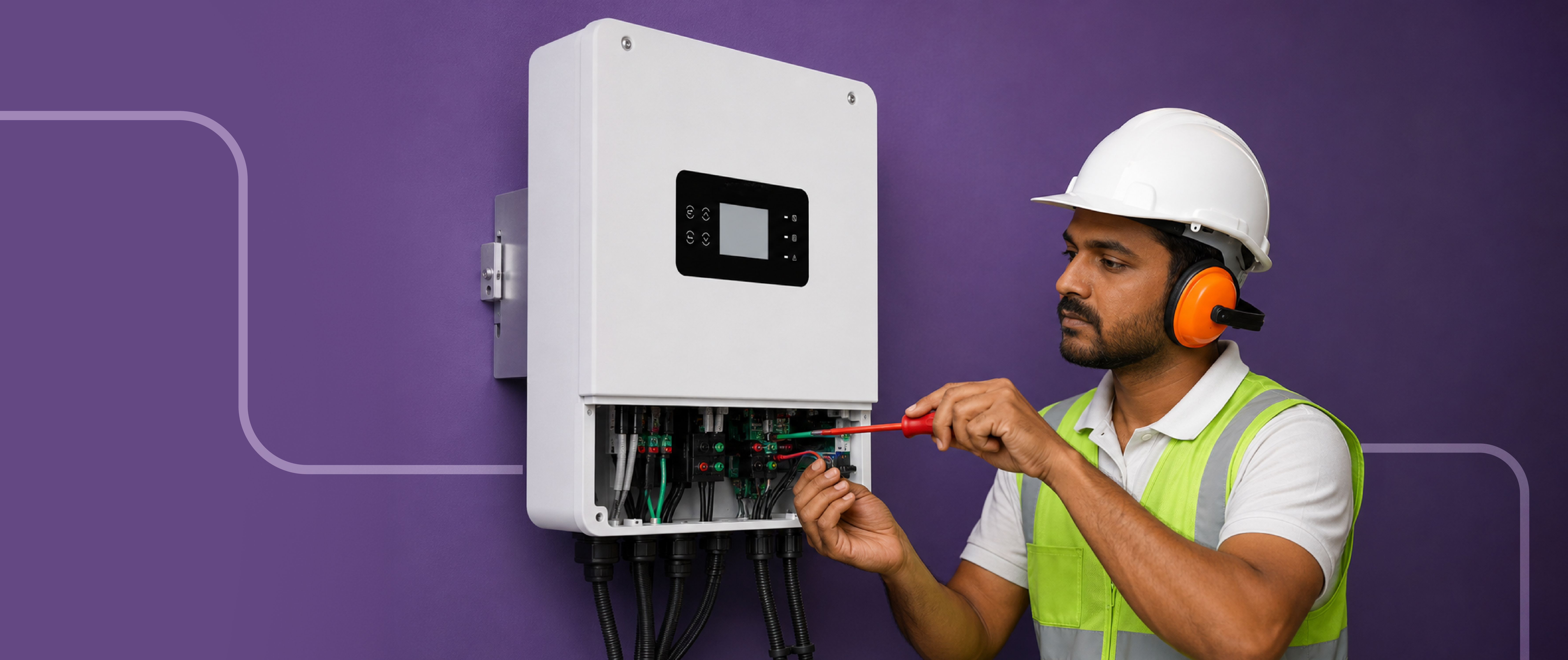
Common Solar Inverter Problems and How to Troubleshoot Them
Common Solar Inverter Problems and How to Troubleshoot Them
Learn the most common solar inverter faults, safe checks you can do at home, and when to call a professional for solar repair and maintenance.
A solar inverter is the working heart of a solar system. It converts the DC power produced by solar panels into usable AC electricity for your home, business, or the grid. When it does not perform as expected, the cause may be something straightforward, such as a tripped breaker or temporary grid issue, or it may require professional attention.
The key is to respond safely and methodically. In this guide, we explain the most common inverter faults, the checks users can make without opening equipment or touching live wiring, and when professional solar repair is the right next step. Good maintenance and early troubleshooting can help protect system uptime, energy savings, and long-term performance.
For a broader view of available systems, explore Solaire's solar inverter and energy-storage portfolio.
Start with safety, always
Before attempting any troubleshooting, we recommend checking the inverter display or monitoring app from a safe distance and recording the exact alert, fault code, time, and weather conditions. Do not open the inverter enclosure, remove covers, touch cables or connectors, or attempt to test live DC or AC circuits yourself.
If there is a burning smell, visible damage, water ingress, smoke, heat damage, repeated tripping, or an earth or ground-fault message, switch off the system only according to the manufacturer's documented shutdown procedure, and only if it is safe to do so. Then contact your installer or authorised service team immediately. Electrical diagnosis and internal solar repair should always be handled by qualified professionals.
1. The inverter display is off
A blank screen or no status light is one of the most visible inverter faults. It can happen because the inverter is not receiving sufficient DC input from the solar array, an AC breaker or isolator has tripped, the grid supply is unavailable, or a protection feature has activated.
What we suggest checking safely:
- Confirm whether there is daylight and whether the system should normally be generating.
- Check the clearly labelled external AC breaker or isolator for a tripped position; do not force a breaker back on if it trips again.
- Look for an alert in the monitoring app, if your system has one.
- Record the inverter model, serial number, status lights, and any displayed message for the service team.
A professional can then verify the DC input, fuses, isolators, wiring, and internal components. This structured approach makes troubleshooting quicker and avoids unnecessary repairs.
2. The inverter shows zero or low generation
Zero generation does not automatically mean inverter failure. Before assuming a major solar repair issue, we recommend considering normal operating factors: time of day, cloud cover, seasonal sunlight, panel soiling, and temporary shading from new construction, trees, or nearby objects.
If output has suddenly dropped, compare current production with data from a similar sunny day or with historical data in the monitoring portal. A gradual decline may point to soiling or new shading, while a sudden flatline may indicate a grid, breaker, connection, or inverter issue.
Useful safe checks include:
- Review the monitoring app for alerts or production history.
- Check whether the inverter status shows "waiting," "standby," "grid fault," or a similar message.
- Visually inspect panels from the ground for heavy dust, debris, or obvious shading.
- Contact an installer if low production persists after weather and shading are ruled out.
Regular maintenance, including safe panel cleaning where appropriate and performance monitoring, can help prevent minor issues from developing into larger inverter faults.
3. The inverter reports a grid fault
Grid-related messages can include "grid unavailable," "grid over-voltage," "grid under-voltage," or "frequency out of range." These messages do not always indicate a defective inverter. Solar inverters are designed to disconnect when grid voltage or frequency moves outside approved limits; this protects people, equipment, and utility workers.
If this alert appears, we suggest checking whether the property itself has a utility outage or abnormal supply. If the grid returns and the message clears after the inverter completes its normal restart checks, no further action may be required.
If the alert repeats frequently, record the fault code and time, then contact the installer or service provider. Repeated grid alerts may need investigation of local supply conditions, connection settings, or the system's commissioning configuration. Avoid changing inverter settings without authorised technical guidance.
4. The inverter is overheating
An overheating message is another common alert. Inverters produce some heat during normal operation, but high ambient temperatures, poor ventilation, blocked cooling vents, dust buildup, or an unsuitable installation position can cause the unit to reduce output or shut down for protection.
For safe maintenance, we recommend:
- Keep the area around the inverter clear and well ventilated.
- Do not place stored items against the inverter or cover its ventilation openings.
- Check visually for accumulated dust, insects, or debris around external vents without inserting anything into the equipment.
- Make a note of when the alert occurs; a pattern during the hottest hours can be valuable for diagnosis.
If overheating returns after the surrounding area is cleared, arrange professional solar repair or an inspection. The technician can assess cooling fans, mounting clearance, internal temperature sensors, and the installation environment.
5. The inverter keeps restarting or disconnecting
Repeated shutdowns can be frustrating because the system may generate for a while and then stop. Possible causes include unstable grid conditions, overheating, DC-side irregularities, insulation issues, or an internal protection event.
This is not a problem to solve through repeated manual resets. Instead, record the error code, the time of each event, weather conditions, and whether other electrical equipment in the property is affected. That information gives the service team a useful starting point for troubleshooting.
A qualified professional may review event logs, grid readings, DC string performance, earthing, firmware status, and protective devices. This is why monitoring is valuable in modern solar solutions: it helps identify patterns before they become lengthy outages.
6. The monitoring app is offline
Sometimes the inverter is generating normally but the app shows no data. This can happen when the home Wi-Fi network changes, the internet is down, the monitoring dongle loses connection, or the platform is undergoing maintenance.
Start with simple, non-electrical checks:
- Confirm the home internet connection is working.
- Check whether the inverter itself shows normal operating status.
- Verify that the correct inverter is selected in the app.
- Avoid resetting inverter communication hardware unless directed by the manufacturer or installer.
If the system is producing power but monitoring remains offline, the service team can guide you through the correct reconnection process. A monitoring issue may be less urgent than a generation fault, but it should still be addressed because production data supports preventive maintenance.
7. A fault code keeps returning
One of the most important rules in troubleshooting is never to ignore a repeating fault code. A temporary alert that clears after normal startup may be harmless, but recurring alerts need a professional assessment.
Take a clear photograph of the screen or screenshot of the app notification. Note whether the code appears after rain, during peak heat, at a particular time of day, or following a grid interruption. Do not rely only on a general description such as "the inverter is not working." The exact code helps the service provider identify whether the issue relates to the grid, insulation, temperature, communication, DC input, battery, or internal components.
A simple preventive-maintenance routine
Most solar systems do not need daily intervention. But a simple routine can catch issues early:
- Review monthly generation against prior periods, while allowing for seasonal weather changes.
- Check the inverter display or app periodically for warnings.
- Keep the inverter area dry, clear, and ventilated.
- Arrange professional inspections at intervals recommended by your installer or warranty terms.
- Report recurring alerts promptly instead of repeatedly restarting the system.
Reliable solar solutions are built on both good equipment and informed system care. The goal of maintenance is not to turn homeowners into technicians; it is to help them notice changes early and get the right support quickly.
When to call a professional
Call an authorised solar technician without delay if you see a ground or insulation fault, signs of burning or water damage, exposed or damaged wiring, a repeated internal fault, persistent zero production, or an alert that does not clear after normal conditions return.
The best approach to inverter faults is simple: observe, document, stay safe, and escalate when the issue involves electrical connections, internal equipment, or repeated errors. With careful troubleshooting, timely solar repair, and planned maintenance, your inverter can continue supporting dependable solar performance for years.
For help selecting reliable inverter and storage options, visit Solaire's solar power solutions.
This safety-first workflow, which includes checking displayed codes and monitoring data, inspecting only accessible external conditions, and escalating electrical or recurring faults to qualified personnel, aligns with PV troubleshooting guidance.

-1770867959.png)